Getting Started
How to Choose STL Files for Your First Character Print
FreshSTL
Oct 7, 2026
3 min read
Read Next
More articles you might like
Looks like you haven't added any 3D models yet.
More articles you might like
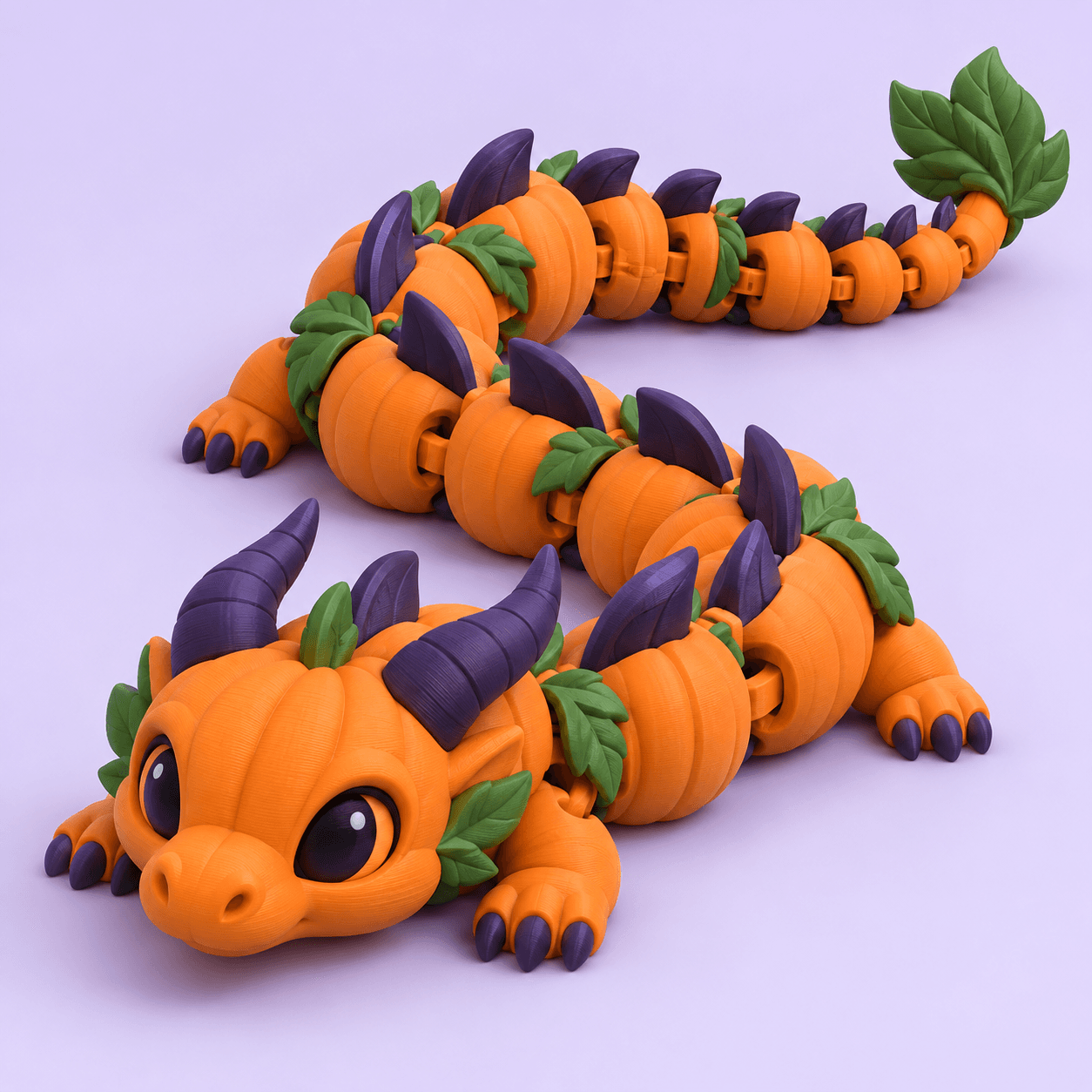
Cover image: FreshSTL product render, used as an illustration rather than a photograph of a finished print.
A character can look simple in a thumbnail and still contain a difficult underside, tiny accessories or a narrow contact point. Choosing your first STL is therefore a practical design decision, not just a search for the cutest model.
This checklist helps you evaluate a FreshSTL listing or any other downloadable character design. The goal is to find a project you can understand before your printer starts moving.
Begin with the listing's release status and included files. A concept image, an interactive preview and a downloadable model are different deliverables. If a page describes a design as planned or in development, do not assume it is a completed printable release because it appears in a storefront.
Identify the intended printing process. A design prepared for one process may require different preparation for another. Look for the creator's instructions and ask for clarification when the information is missing.
For a first decorative character, look for a shape you can mentally break into a few simple volumes. A broad body and clear facial features are easier to assess than a forest of thin spikes, floating decorations and hidden cavities.
Inspect the sides and underside, not only the most flattering front view. Where does the object touch the build surface? Which details project outward? Which areas will be difficult to reach when cleaning up the print?
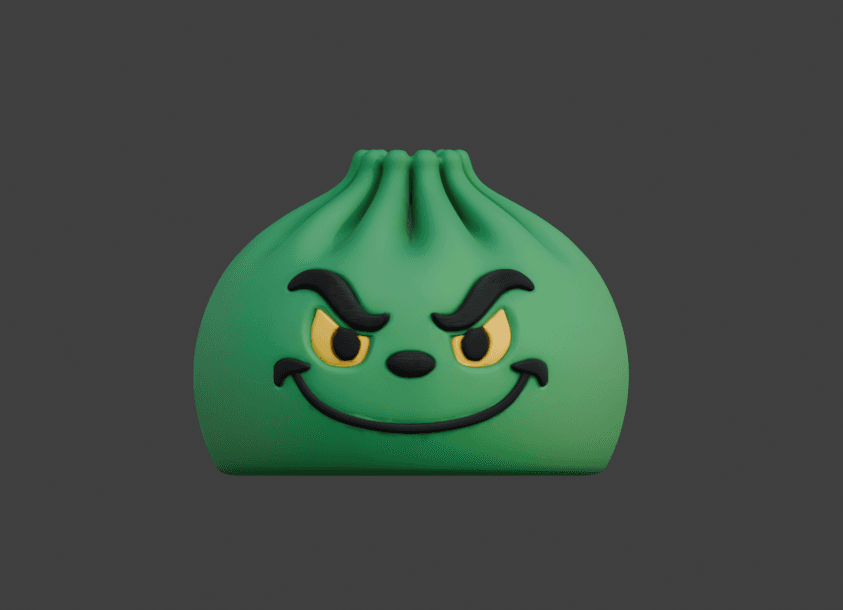
The dumpling character render illustrates a compact visual silhouette. That observation is about its appearance; it is not a substitute for checking the actual mesh, underside or print instructions.
A missing answer does not automatically make a model unsuitable. It tells you which uncertainty to resolve before allocating time and material.
The slicer's time estimate covers machine work, not your full project. You may also need time to remove supports, fit parts, finish surfaces or paint. A short print with difficult cleanup can be a worse first experience than a longer print with a simple shape.
Think about quantity as well. Print one sample before filling the build plate with gifts. If the first version needs a change, you will have one object to revise instead of a whole batch.
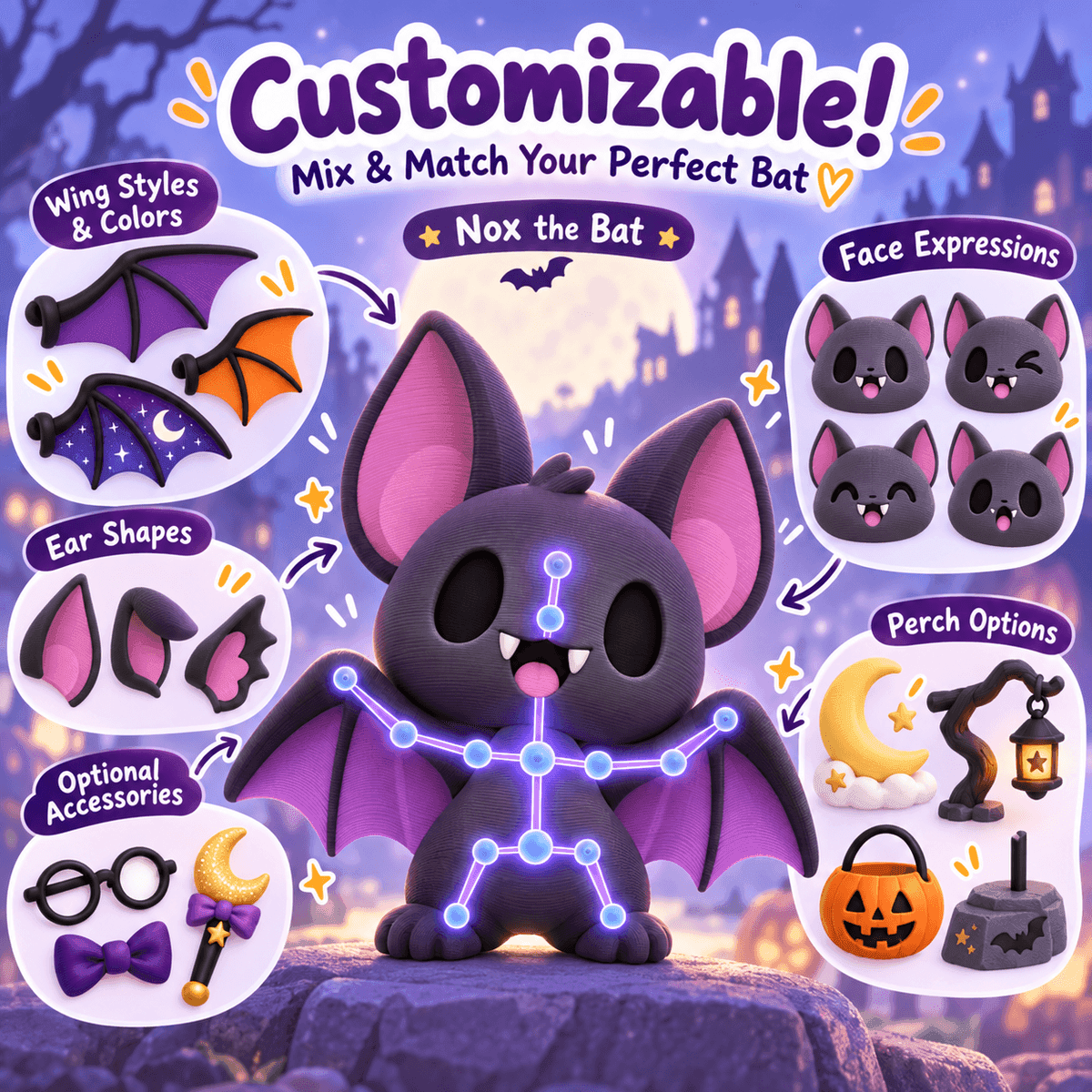
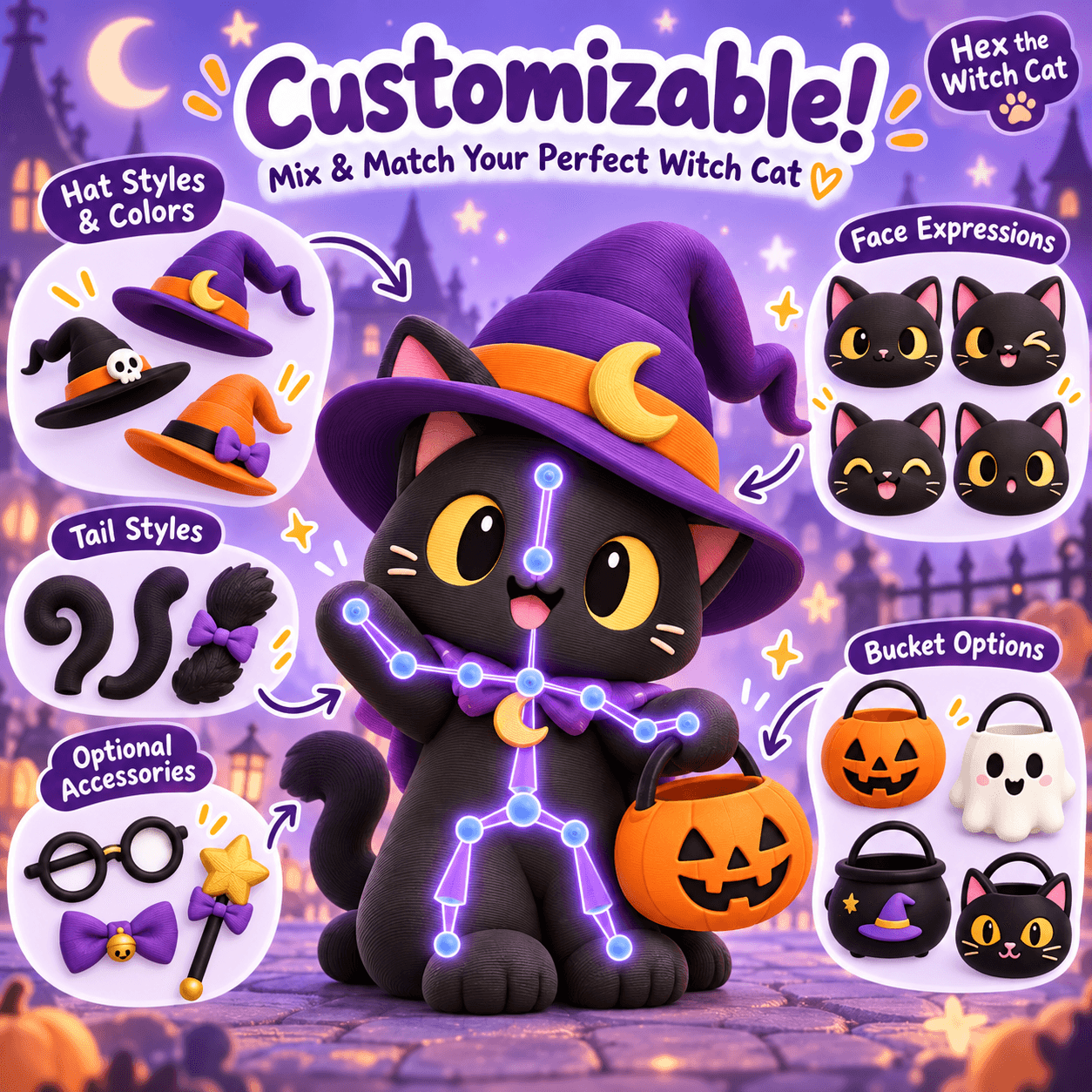
Imagine you are choosing between a compact character with a clear base and a wide-winged figure with several separate accessories. If your goal is learning a new printer, choose the model with fewer unresolved questions. If your goal is a dramatic display and you have time for tests, the more involved design may be appropriate.
Write down one advantage and one risk for each candidate. This prevents a striking image from overwhelming practical considerations such as size, assembly and finishing.
Store the original model separately from any edited versions. Keep the product URL, instructions and license information with your project notes. Name the sliced project by model, scale and material so a successful print can be repeated.
If you change the size, review what scaling an STL changes . Smaller is not always easier when a model contains thin details or fitted parts.
Browse the FreshSTL model catalog with this checklist in hand. A strong first choice is the one whose print requirements you understand, not necessarily the one with the most dramatic thumbnail.
No. A render shows appearance. Check the model files, instructions and any documented physical print results separately.
Print one sample first. Confirm size, finish and assembly before repeating the design across a full build plate.