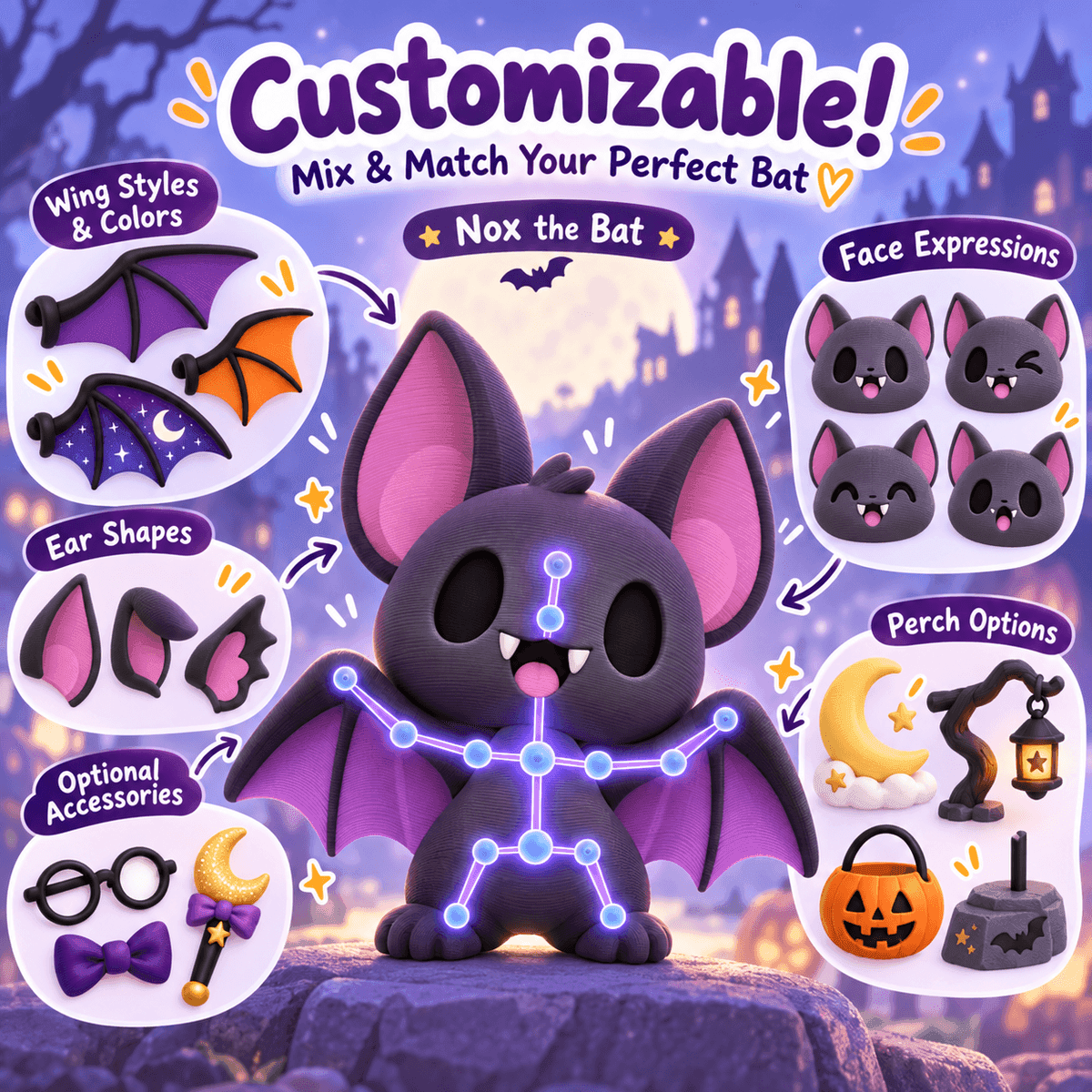
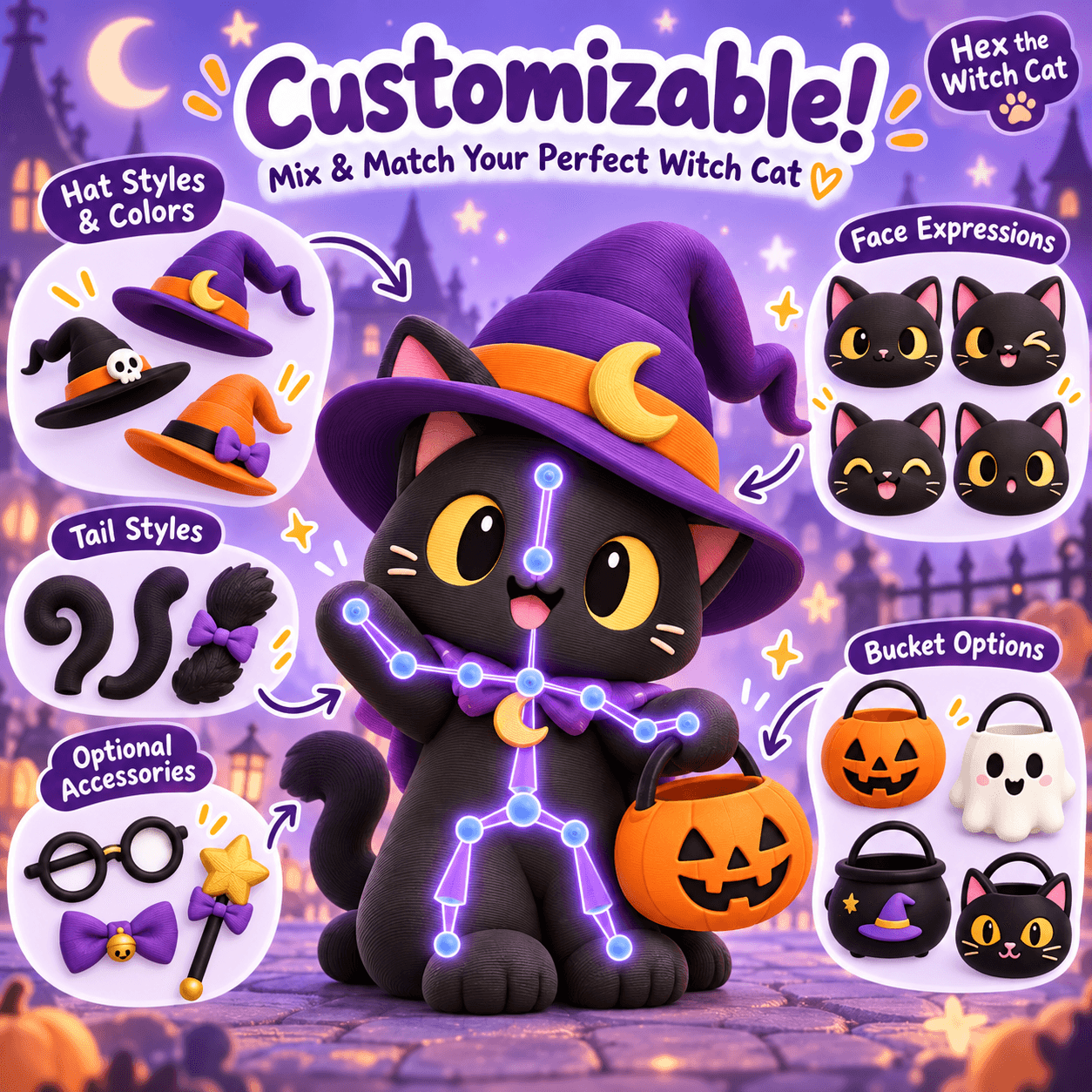
Cover image: AI-generated FreshSTL concept artwork. It illustrates a design direction, not a tested physical print or a guarantee of available options.
A good 3D printing project begins with a character you actually want on your desk. FreshSTL is built around that moment: discovering a design, exploring its personality and turning an idea into something you can make.
The store and the FreshSTL Builder serve different parts of that journey. The store helps you discover models and read what is included. The browser-based Builder is the customization environment for compatible products. Your slicer then prepares the printable geometry for your particular machine.
Why customization matters
Two makers can start with the same character and want very different results. One might prefer a quiet desk companion with a compact silhouette. Another might want an expressive display piece with a dramatic pose and a seasonal accessory. A configurable design can make those choices approachable without requiring every maker to sculpt a character from nothing.
That is the direction behind FreshSTL: make the choice of character, supported variations and final presentation part of the creative experience. Customization is specific to each model, so the controls available for one product should not be assumed to exist on every other listing.
Understand the three stages
Discovery: read the product description, inspect the images and check the release status. A beautiful illustration is useful inspiration, but it does not establish which files are included or whether a physical print has been tested.
Customization: when a compatible model is available in the Builder, work through its supported options. Keep a clear idea of the object you want to make: its approximate size, display position and most important visual feature.
Print preparation: check the exported or downloaded file in your slicer. Confirm dimensions, orientation and the generated layers before committing filament and time. A 3D preview and a printer toolpath answer different questions.
Our beginner guide to customizing a printable character explains that handoff in more detail.
A look at the character direction
FreshSTL's Halloween concepts include Nox the Bat, Hex the Witch Cat and Ember the Pumpkin Dragon. They illustrate different directions: an expressive bat, a familiar with seasonal styling and a segmented fantasy creature.
At the time of writing, these listings describe concepts in development. Their artwork includes proposed options, and their descriptions do not confirm a completed, test-printed release. Treat them as a preview of the design direction and check the current product page for updated availability before planning a purchase or a time-sensitive print.
This distinction matters. We want visitors to understand what they are looking at, whether it is a concept image, a model preview or a documented printable release.
Who FreshSTL is for
Makers who enjoy character models and want a personal connection to what they print.Collectors planning a coordinated desk or shelf display.Beginners who want to understand the path from a downloadable design to a sliced file.Creative hobbyists exploring poses, accessories and seasonal themes on compatible models.You do not need to settle on the most complicated project first. A modest display character can teach you more about your printer and preferred finish than a plate full of intricate parts.
Make your first visit useful
Start with one design that catches your eye. Read the description before judging the image. Write down your intended size and check the available file formats. If the product supports customization, explore one change at a time rather than selecting every available accessory.
Keep the original download, give each exported variation a descriptive filename and save the slicer project that produces your final print. Those habits make it easier to repeat a successful result or identify what changed between attempts.
Visit the FreshSTL model catalog to explore the current selection. For a practical next step, use our printing guides to turn inspiration into a clear, manageable project.