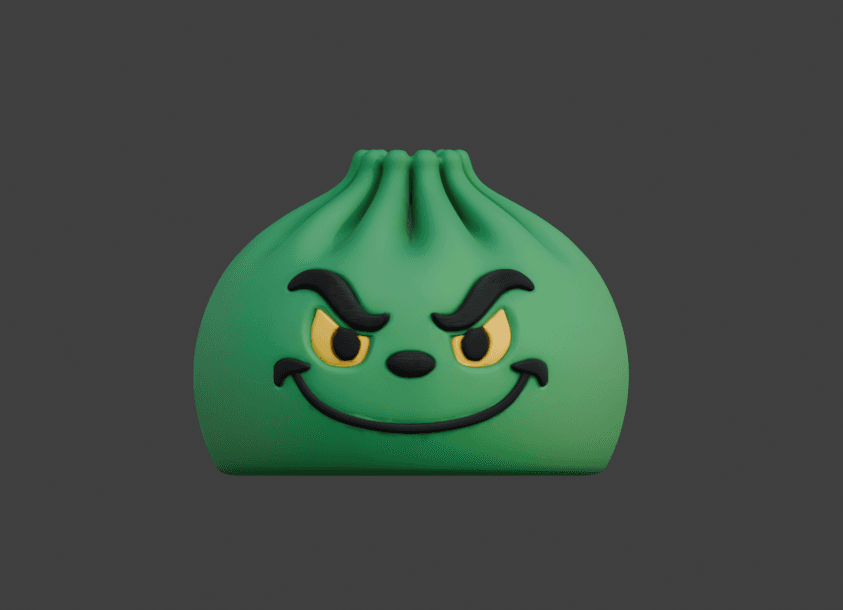
Cover image: AI-generated FreshSTL concept artwork. It illustrates a design direction, not a tested physical print or a guarantee of available options.
A character can move on your screen and still become a completely rigid object when printed. Another model can have no digital skeleton at all and produce a physical chain of moving segments.
This difference matters when choosing a character STL. Words such as articulated and posable are sometimes used loosely, so read how the particular product works rather than relying on a title alone.
Digital posing happens before the print
A digital character rig helps you change the arrangement of the mesh. On a compatible FreshSTL Builder model, pose controls can help establish the character's expression or overall gesture before export.
That exported geometry can describe a fixed statue. The fact that an arm rotated in the browser does not mean the printed arm will rotate on the finished object. The skeleton used by software is not automatically a physical hinge.
This type of posing is useful when the goal is a specific display position. You choose the gesture first and prepare that version for printing.
Articulation happens in the physical object
An articulated model uses a mechanical arrangement that permits movement between parts. Different designs can use different joint types and assembly methods. The important product details are what moves, how it is connected and how the pieces are produced.
Ask whether the model needs assembly after printing. If it does, look for instructions explaining the order, connectors and any additional materials. Do not assume two objects that appear close together in a render form a working joint.
Print-in-place describes a manufacturing arrangement
In a print-in-place design, separate elements are produced together in their intended relative positions. For a moving design, the geometry must allow those elements to remain distinct and move as intended after printing.
The phrase is not a universal promise of easy printing. Read the recommended process, scale and setup. A thumbnail showing a segmented dragon cannot establish those requirements.
The Ember artwork used here is explicitly a FreshSTL concept illustration. The listing does not yet confirm final joint clearances or a tested print-in-place release.
Choose according to the experience you want
For a shelf statue with a particular expression, digital posing may be the relevant feature. For a tactile object that changes shape in your hands, physical articulation is the relevant feature. For a project where you want to avoid assembling many pieces, a documented print-in-place design may be worth investigating.
These categories can overlap, but none should be assumed from another. A product could allow digital customization and also contain mechanical joints; the listing needs to explain both.
Read the instructions before changing the scale
An ordinary decorative object and a fitted assembly respond differently to resizing. Uniform scaling changes every geometric dimension, including gaps between parts. That can affect a joint's behavior even when the overall model still looks correct.
Avoid shrinking an articulated model simply to fit a build plate unless the creator supports that size. If a connector test is provided, print it before committing to the full assembly. Keep a record of scale and material for any successful result.
Our scaling guide explains the geometry with a simple numerical example.
Questions to ask before choosing a model
Does it move only in software, only after printing or both?Is the output a fixed pose, separate assembly or print-in-place arrangement?What sizes and printing process does the creator document?Are there physical print examples and assembly instructions?Which claims are confirmed, and which belong to concept development?Use these questions when browsing the FreshSTL catalog . They help you choose the creative experience you actually want instead of discovering the difference after printing.